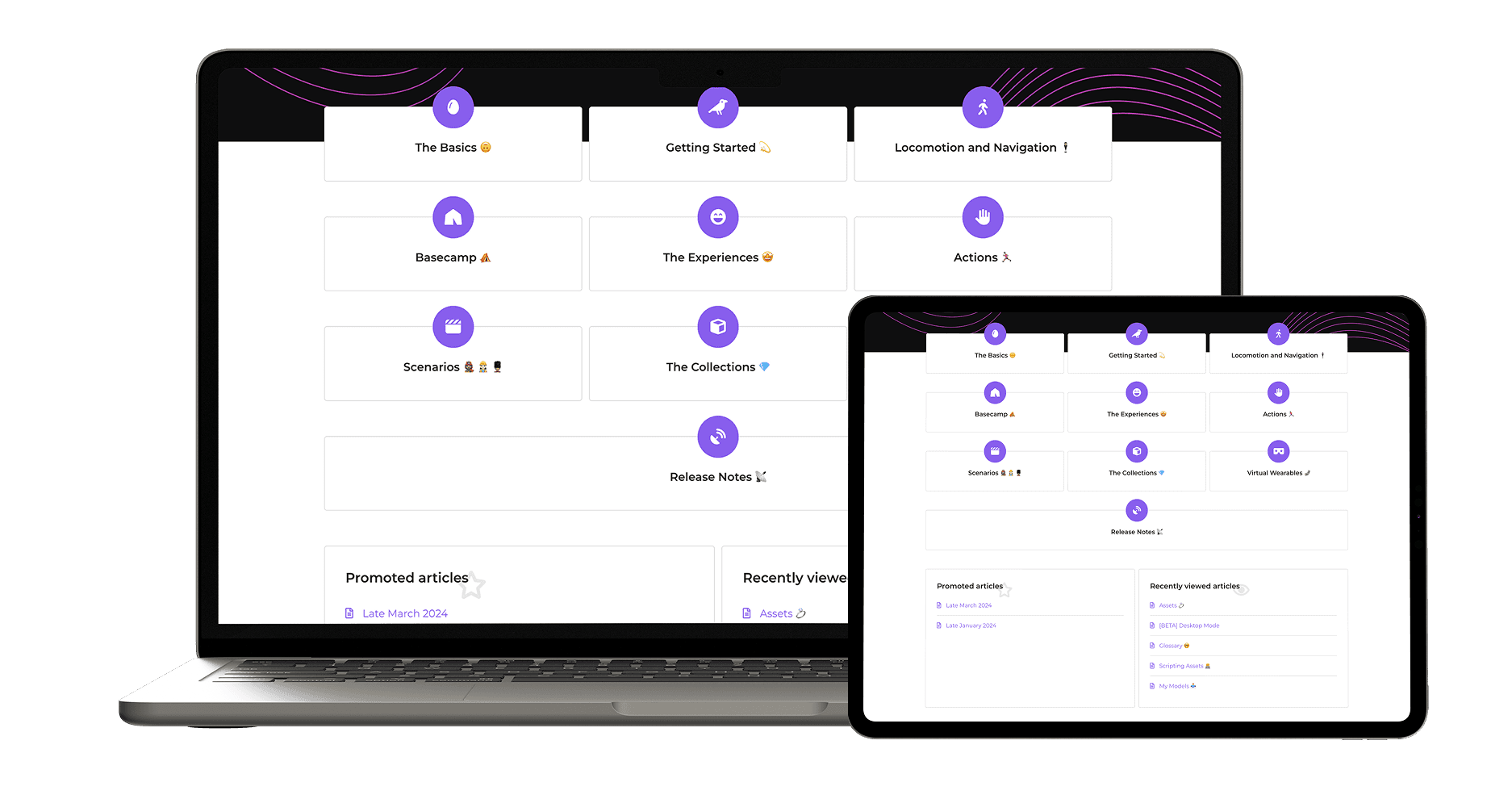
Table of Contents
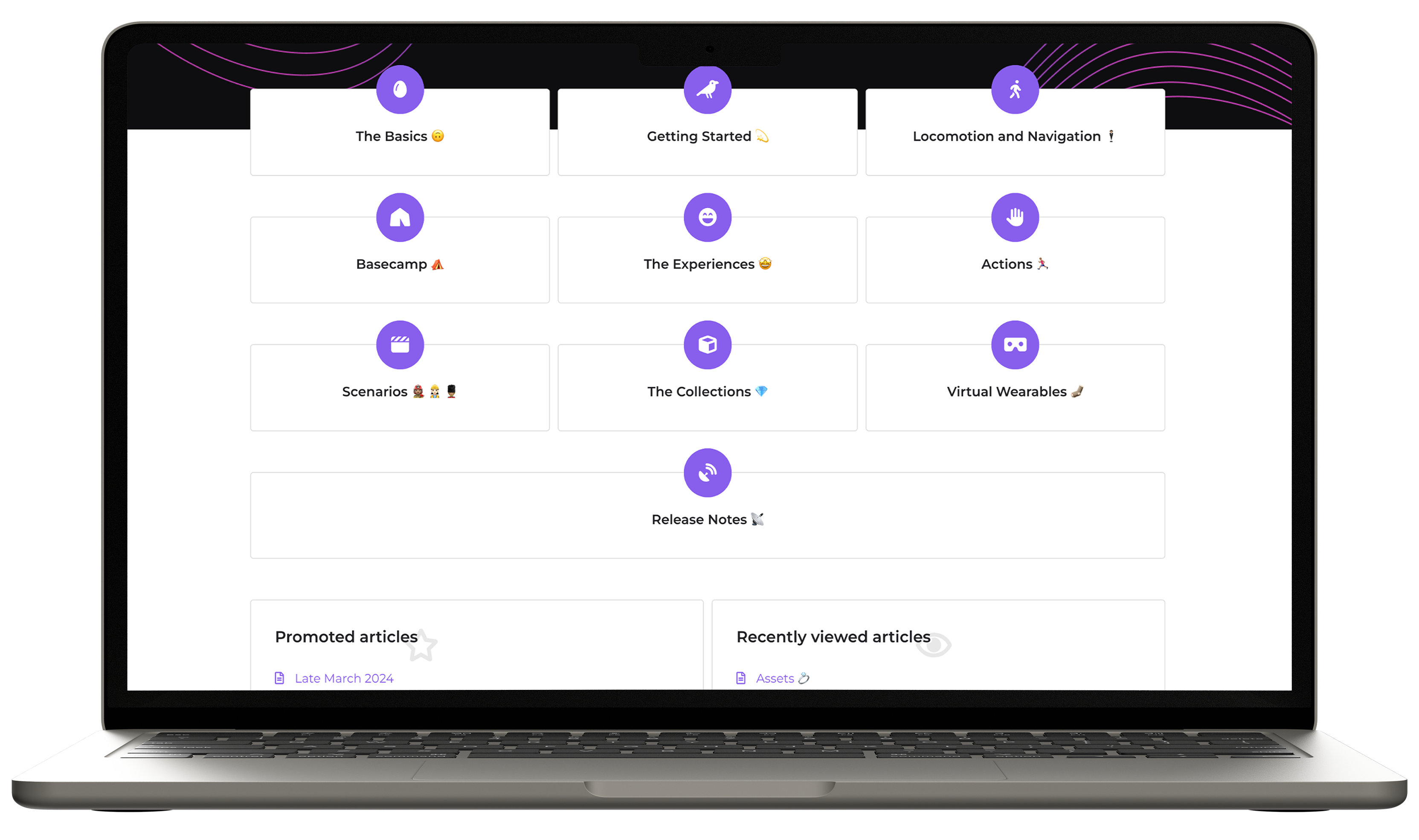
My Role
Co-led recruitment and usability testing.
Designed the test plan and aligned it with project goals and limitations.
Led the creation of the UX evaluation report, delegating content and designing the final report and presentation.
Served as the point of contact as well as the lead presenter for our presentation to OVA's UX team.
TL;DR
Confusion, guesswork, and ineffective categories hindered information retrieval leading to drop off of the Help Center and calling support.
Based on the test plan, evaluation, and structured insights and recommendations, OVA was able to see the impact after adopting some of the recommendations and guidance proposed.
Reduced Support Calls
users now find answers more independently
Faster UX improvements
structured insights led to quick implementation
Long-term IA Improvements
helped OVA refine their IA strategy
"..clients stopped reaching out for help as much as they used to. And if they do, it's mostly related to technical issues that are not covered in the Help Center."
— César Lozano, UX Team Lead
Process
We hit a roadblock though when designing the test plan. The program's time constraints ruled out card sorting and tree testing, the traditional tools for evaluating IA.
This is where I went down the rabbit hole to research alternatives. I found a framework in Information Architecture for the World Wide Web (Morville & Rosenfeld)* that outlined four distinct information-seeking behaviours. This became the foundation of our test plan. *Chapter 3 page 34–35
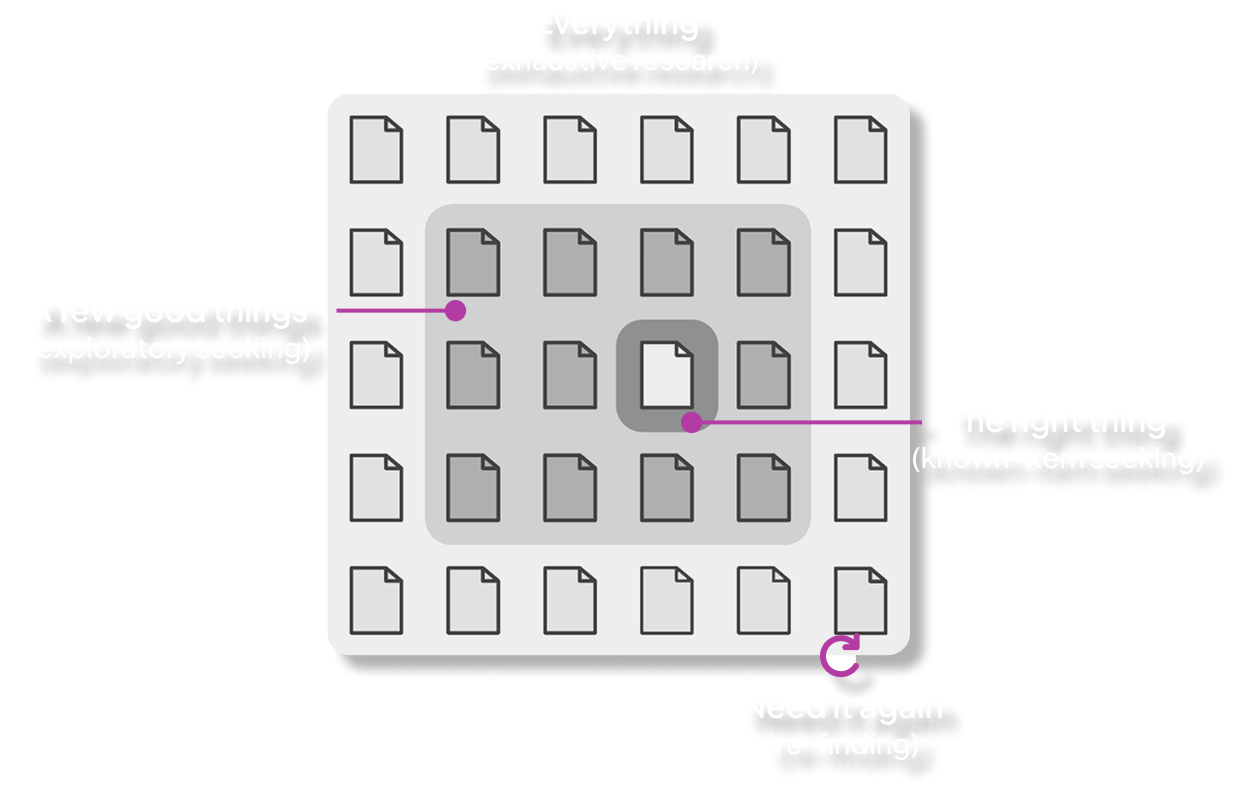
4 tasks for 4 user behaviors.
Each task mapped to one information-seeking behaviour.
EXPLORATORY SEARCH
New Users Trying to Figure Things Out
Explore the Help Center to find guidelines on how to start building your very first 3D virtual experience.
EXHAUSTIVE SEARCH
"I Need All the Details on This Topic"
Find and list all the different types of assets currently available.
KNOWN-ITEM SEARCH
"I Know What I Need, But Where Is It?"
Find information about the Voice Assist feature in the Help Center—but you cannot use the search bar.
RE-FINDING SEARCH
"I Saw This Before, Now Where Is It?"
Find the first article you clicked on, but you cannot use the back button.
A mixed-method approach with specific measures adapted for each task and post testing.
I moderated 9 out of the 14 user testing sessions, observed the rest and conducted semi-structured interviews.
Methodology
Mixed-Method Approach
Wilcoxon rank sum test
Non-parametric, n=14
Thematic analysis
14 recorded sessions
Insights
The help center was usable — but effectiveness varied sharply by information-seeking behaviour.
Usability Score
System Usability Scale
The score lands in the marginal zone — usable but with clear friction points. Users could complete tasks, but the IA made them work harder than necessary.
Key Finding
Effort Predicts Satisfaction
−93%
correlation coefficient
As expected, less effort = higher satisfaction. Reducing friction is the lever for improving the Help Center experience.
Affinity mapping surfaced four major usability themes across all sessions.
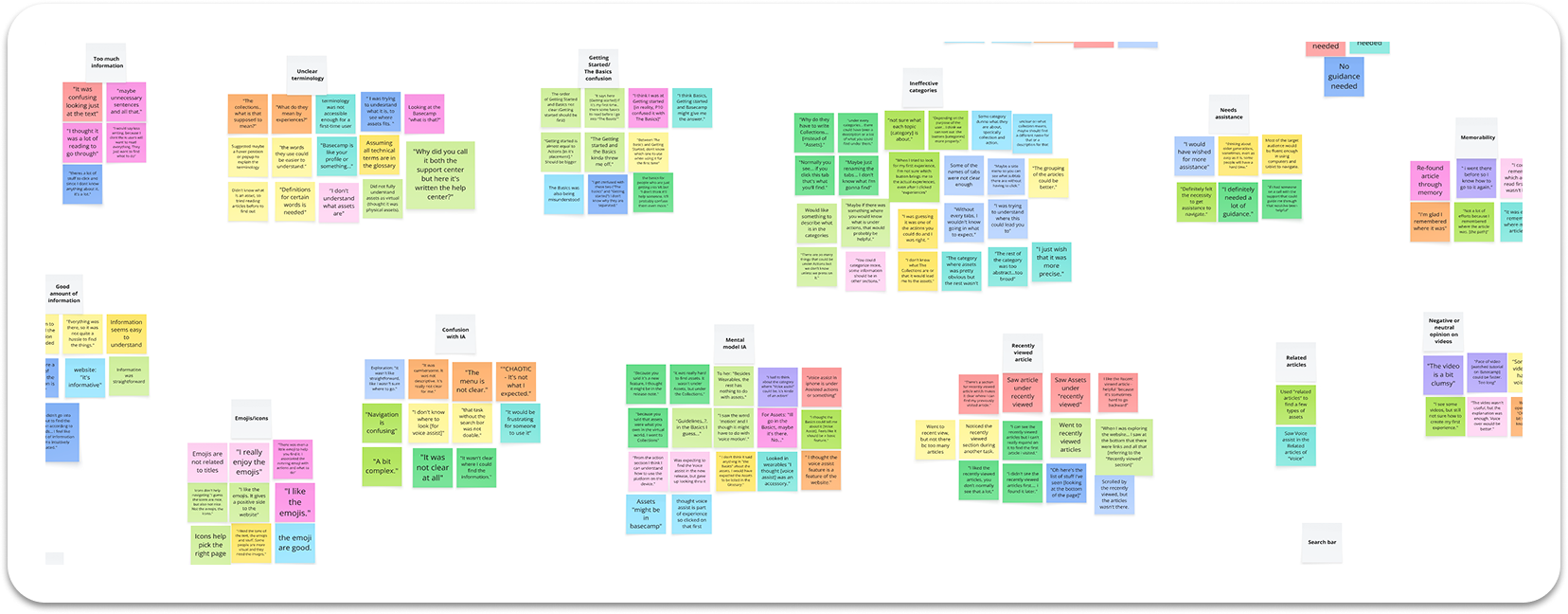
Confusion, mismatched mental models and a lot of guesswork going through the tasks.
Overall the help center was perceived marginal in terms of usability, but a deep dive in the insights found by tasks shows what exactly the friction points are. Click through each task.
Click through the tasks
Explorers in Need of a Compass
New users had no clear direction on where to begin their journey.
Task: Find how to get started with StellarX
were confused between "The Basics" and "Getting Started" — no clear entry point for first-time users.
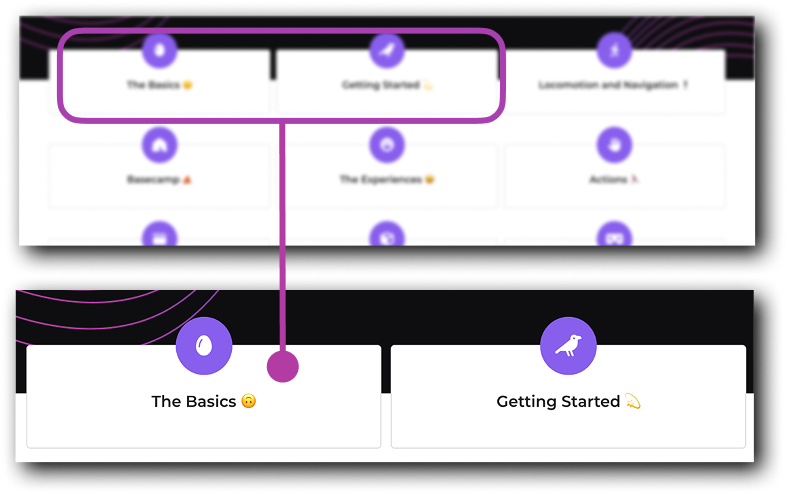
“Between The Basics and Getting Started, I don't know which one to use when using it for the first time.”
— P1, Exploratory Task
Design Recommendations
Simple design solutions were proposed to simplify navigation, clear confusion and speed up information-seeking decisions.
Recommendations were prioritized and further categorized by big wins, low effort to guide the startup on what to focus on.
1. Add category descriptions on the homepage
Short descriptions under each category so users know what to expect before clicking.
2. Re-evaluate "The Basics" vs "Getting Started"
These sections serve similar purposes and could be unified into a single, clearer starting point for new users.
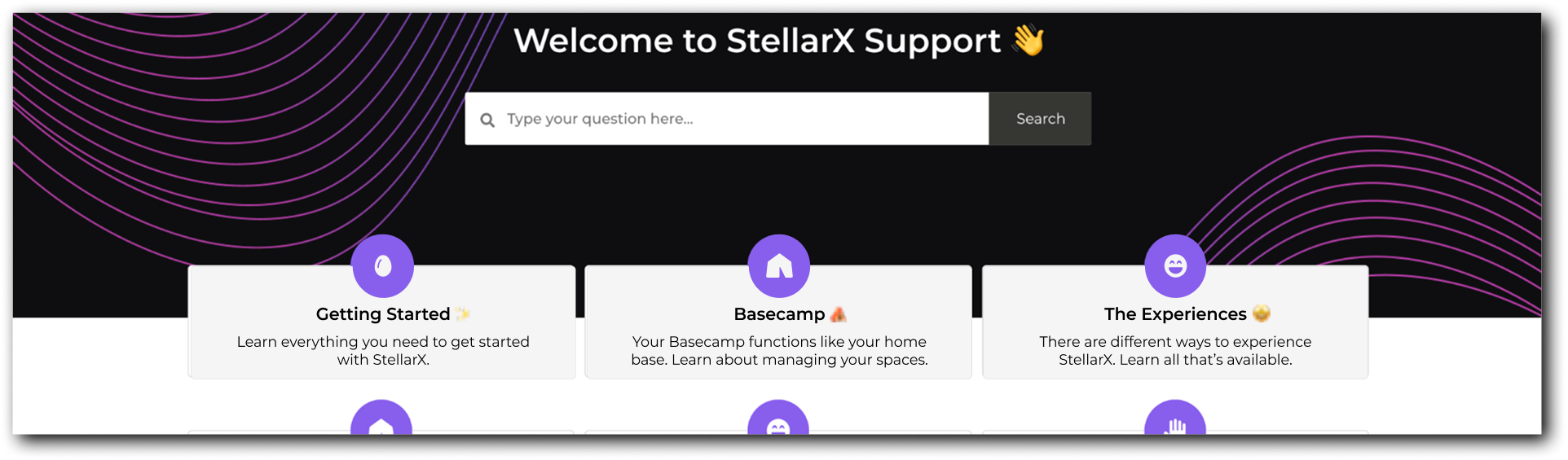
3. Clarify article titles, previews OR add a side panel menu
Action-oriented titles + one-sentence previews help users decide faster. Adding a side panel with the expandable menu options will allow the users to preview articles without clicking on each tab.
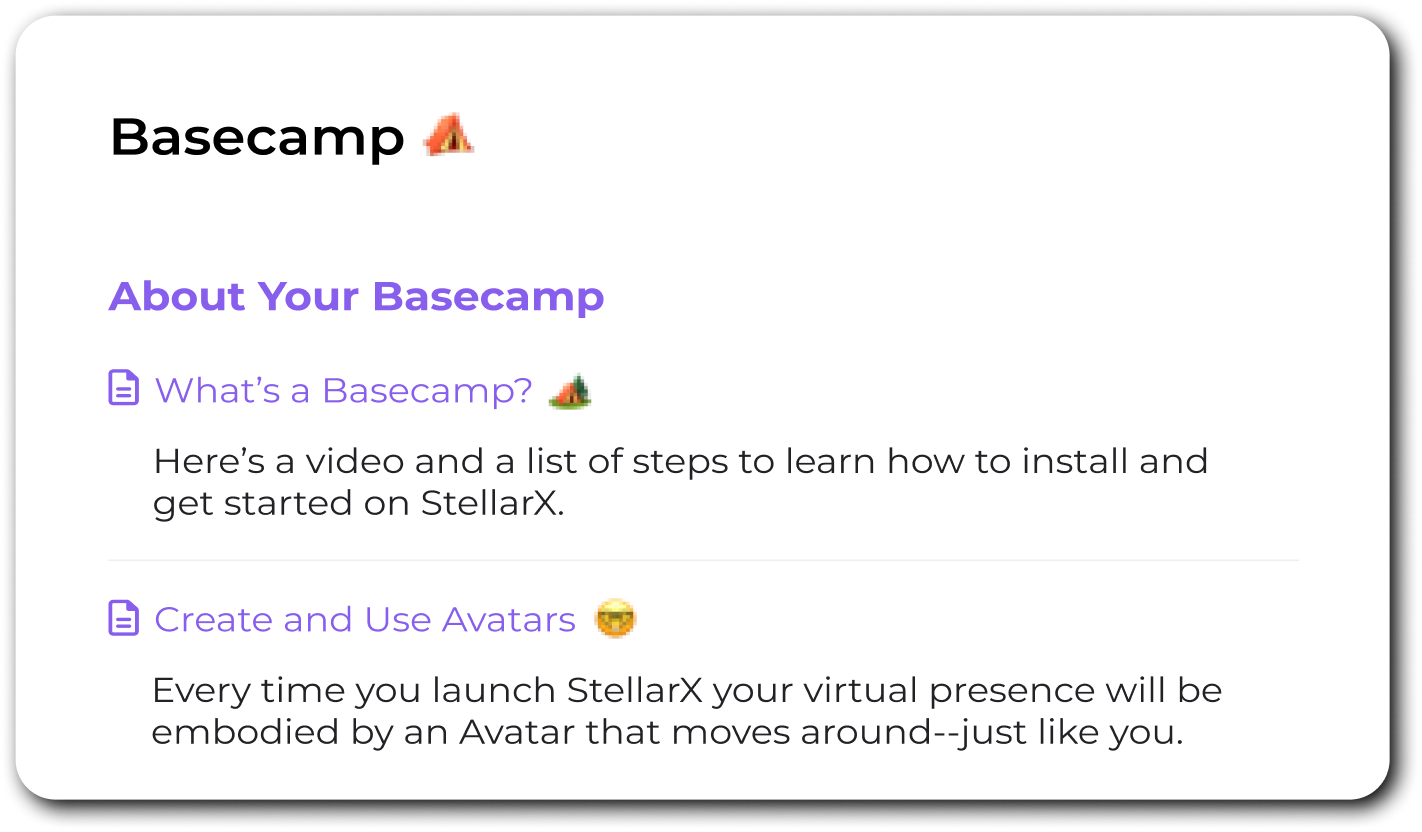
1. Streamline the first-time user experience
Centralize tutorials, introductory articles, and essential resources into one accessible hub.
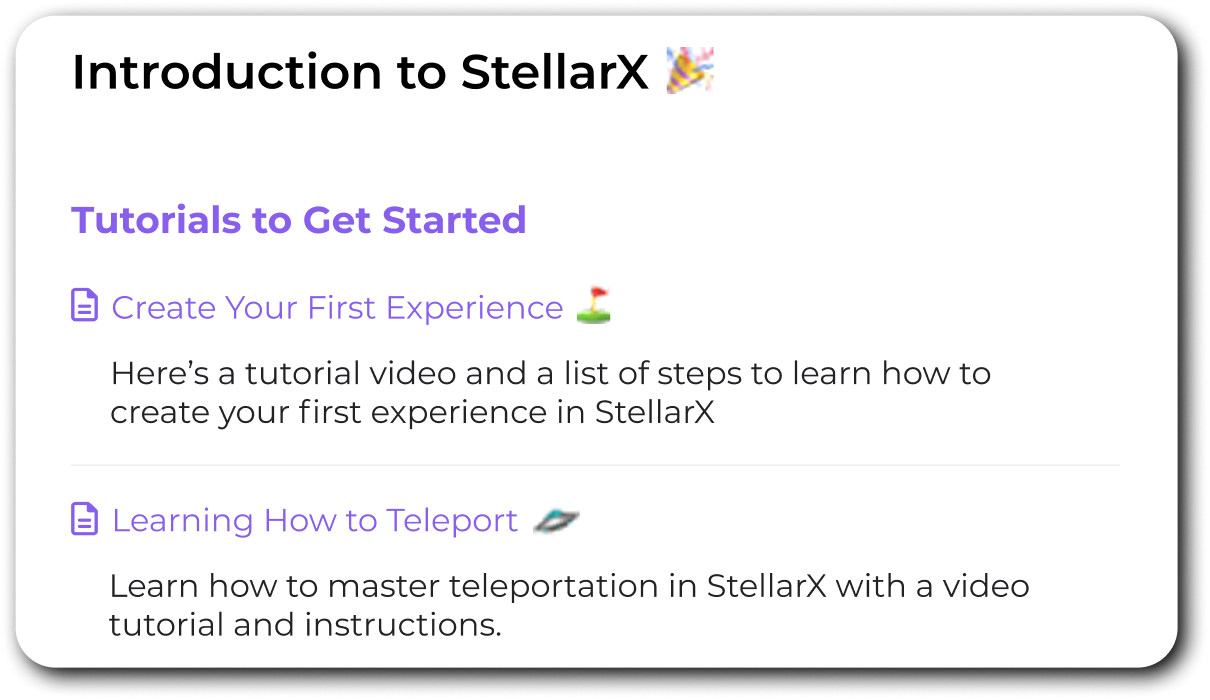
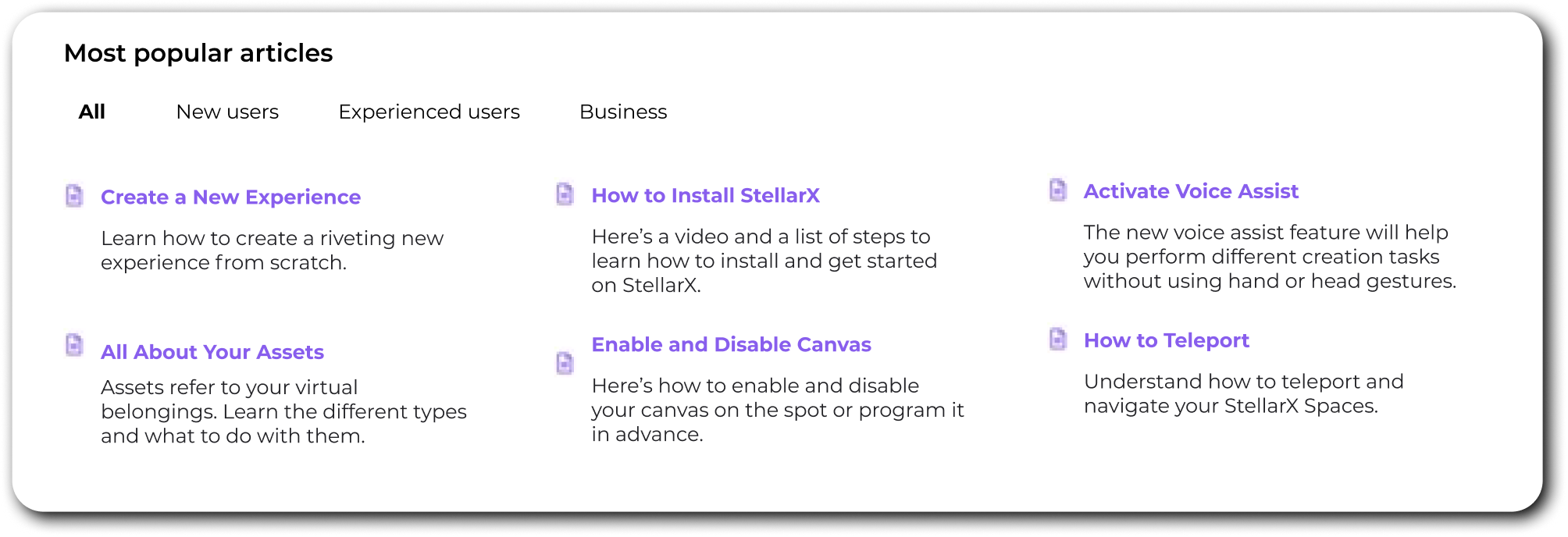
2. Surface most-read articles on the homepage
Show "most asked questions" or the most relevant articles segmented by user type.
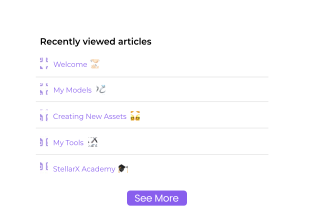
1. Expand "Recently Viewed" beyond 5 items
An option to a longer list will reduce search time. Or consider removing it and adding a side panel with menu.
2. Run a card sorting study with experienced users
Seasoned users may have developed a different sense of the IA. Understanding their mental model can inform future refinements.
Impact
A year after presenting the report, I reached out to César Lozano, OVA's UX Team Lead, to see how this evaluation and proposed recommendations landed.
So many changes were implemented and the feedback I got was great!
Side panel menu with expandable categories and subcategories.
Simplified navigation in the homepage.
Inventoried each article and renamed categories to match users' mental model (i.e "Collections" to "Asset Collections")
The OVA team also conducted a card sorting study with their current clients as recommended.
“The project was essential in helping us land on a better information architecture, and (within limitations of the CMS) pick a better template that could be customized to our needs.”
Reduced Support Calls
users now find answers more independently
Faster UX improvements
structured insights led to quick implementation
Long-term IA Improvements
helped OVA refine their IA strategy
“Having access to your materials and having invited other members of our team to your presentation made a huge impact. I think this helped a lot to implement the changes rapidly after your report — in other words, your work was so good it got us moving fast!”
Reflection
I learned that limitations can fuel deeper creativity.
Being blocked from traditional methods pushed me to research alternative approaches. The framework I found was actually a better fit for this context.
Adapting methods doesn't compromise quality.
Sometimes following a rigid playbook can set you back — reading the situation and adapting the process to the problem will help you pick the right approach, not just the "correct" one.
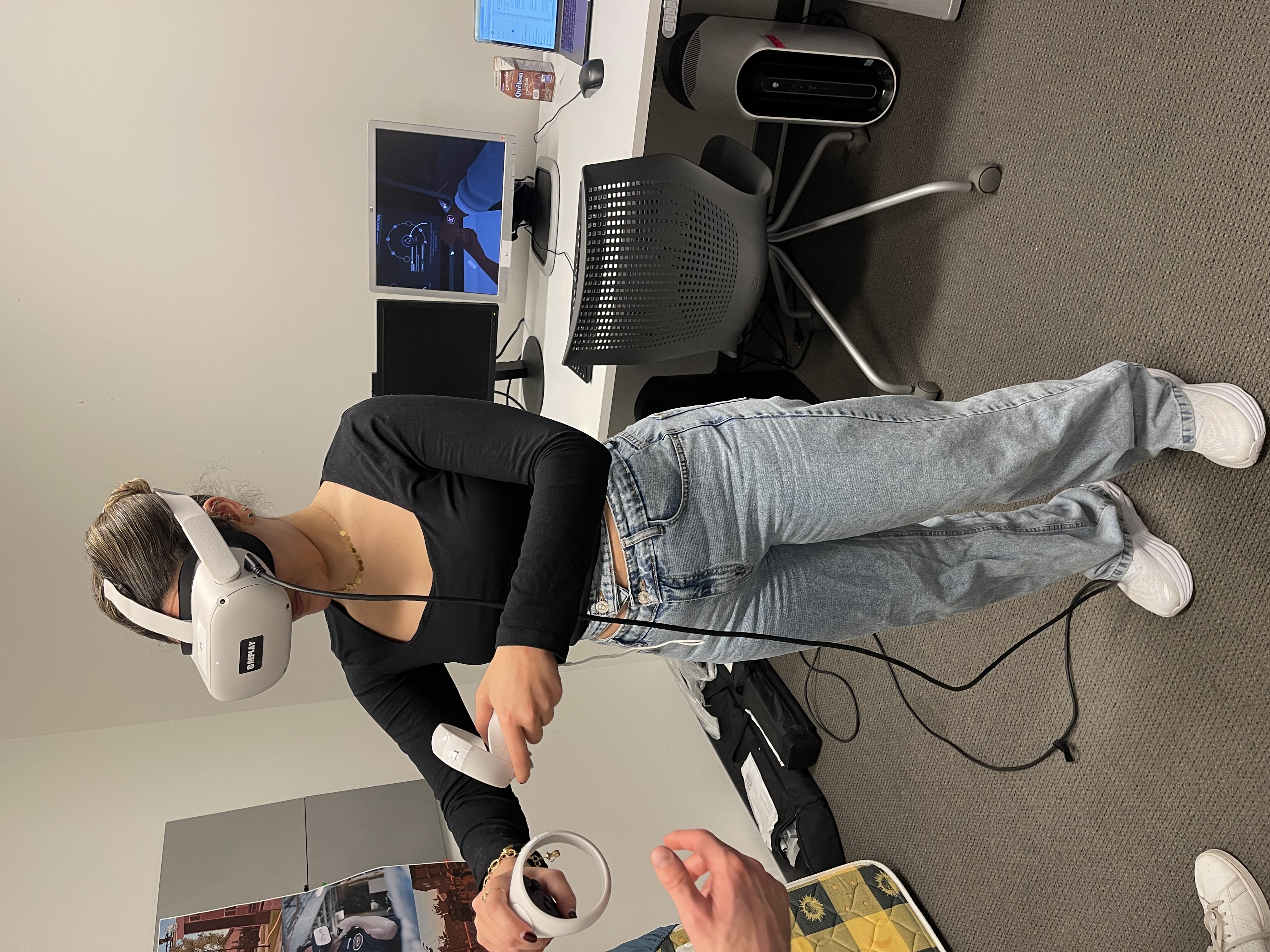
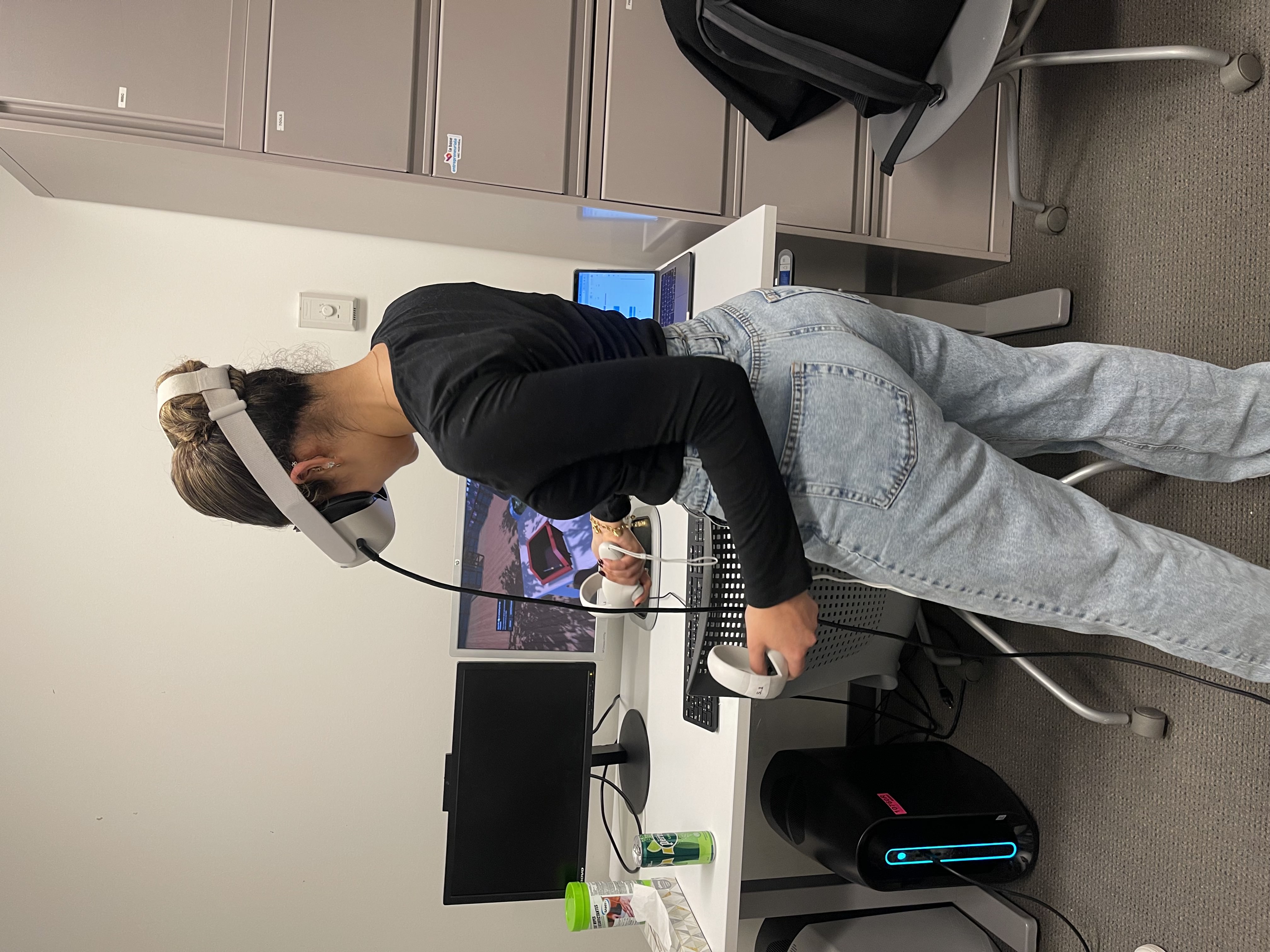
As you can tell, I had a lot of fun working on this project.
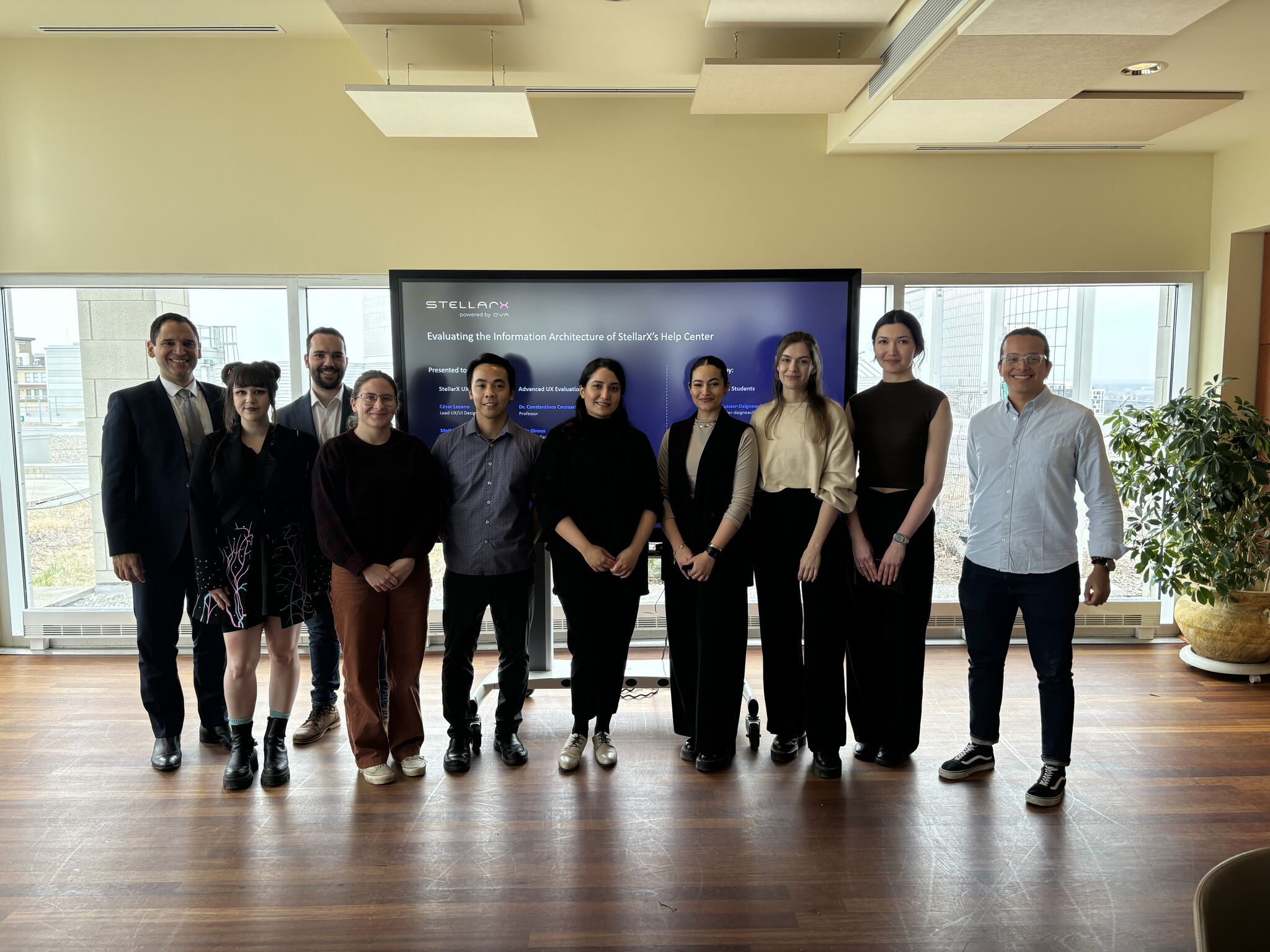
Presentation day.
Wanna see more?
This is only a snapshot of the entire process. I'm happy to walk through the full process and data over a call. Reach out to me at abdelnoormaivel[at]gmail[dot]com!